
City Gunner: Counter Strike 3D1.3 - Google Play
You'll be able to see results in few seconds.
Publisher Description
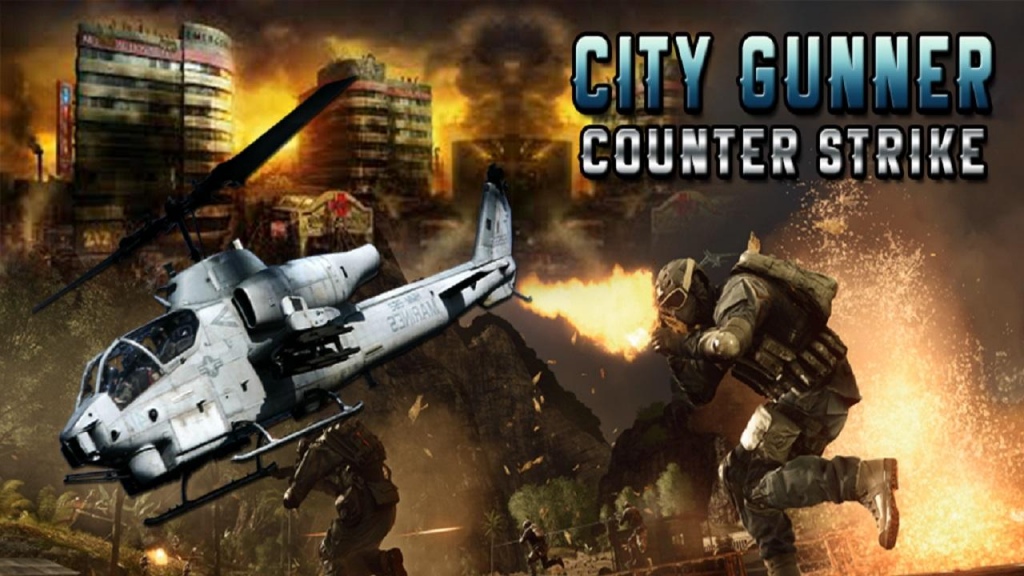
Gunship Battle: The world's most powerful combat helicopters are at your fingertips. Become a helicopter pilot and engage in combat missions across the world.
Story Line:
There is some terrorist activity detected in a city building, You are appointed to shoot the terrorist by Gunship Air Attack, be careful, they might b equipped with heavy weapons like rocket launcher, AK47 and sniper shooting guns. Let's kill and rescue the building!
Helicopter Gunner: is a helicopter action game that combines stunning 3D graphics with flight control simulation and engaging military scenarios to pull you into an immersive combat experience the moment you start the game.
Defeat waves upon waves of enemies assaulting your position. Hop into your Gunship Helicopter and use your rocket launcher and machine gun to rip the enemy to shreds. They will be attacking you with everything they've got like attack helicopters, tanks and armored vehicles.
If you enjoy FPS, shooting, or racing games, this is the perfect game for you.
You'll find yourself whirling through the skies across intense crossfire.
We always looking for your comments and feedback to improve this game. thanks
About City Gunner: Counter Strike 3D
The company that develops City Gunner: Counter Strike 3D is PRIMELOGIX. The latest version released by its developer is 1.3.
To install City Gunner: Counter Strike 3D on your Android device, just click the green Continue To App button above to start the installation process. The app is listed on our website since 2016-11-01 and was downloaded 0 times. We have already checked if the download link is safe, however for your own protection we recommend that you scan the downloaded app with your antivirus. Your antivirus may detect the City Gunner: Counter Strike 3D as malware if the download link to com.primelogix.city.gunship.gunner.counterstrike is broken.
How to install City Gunner: Counter Strike 3D on your Android device:
- Click on the Continue To App button on our website. This will redirect you to Google Play.
- Once the City Gunner: Counter Strike 3D is shown in the Google Play listing of your Android device, you can start its download and installation. Tap on the Install button located below the search bar and to the right of the app icon.
- A pop-up window with the permissions required by City Gunner: Counter Strike 3D will be shown. Click on Accept to continue the process.
- City Gunner: Counter Strike 3D will be downloaded onto your device, displaying a progress. Once the download completes, the installation will start and you'll get a notification after the installation is finished.
Program Details
System requirements
Download information
Pricing
Version History
version 1.3
posted on 2016-11-01
Updated and fixed version,Thanks for your support and feedback
Disclaimer
Official Google Play Link
We do not host City Gunner: Counter Strike 3D on our servers. We did not scan it for viruses, adware, spyware or other type of malware. This app is hosted by Google and passed their terms and conditions to be listed there. We recommend caution when installing it.
The Google Play link for City Gunner: Counter Strike 3D is provided to you by apps112.com without any warranties, representations or guarantees of any kind, so access it at your own risk.
If you have questions regarding this particular app contact the publisher directly. For questions about the functionalities of apps112.com contact us.
